Titan Tool is a professional tool for mobile repair, addressing the main issues that arise every day for mobile users and technicians. It helps with device locks, system errors, MDM problems, removing FRP, IMEI repair, unlocking the bootloader, and more. This tool supports all Samsung models, Qualcomm, MTK, SPD, and Tecno. The Titan tool works fast and is easy to use for all users, whether they are beginners or experienced.
Also Check: Cheetah Tool Pro
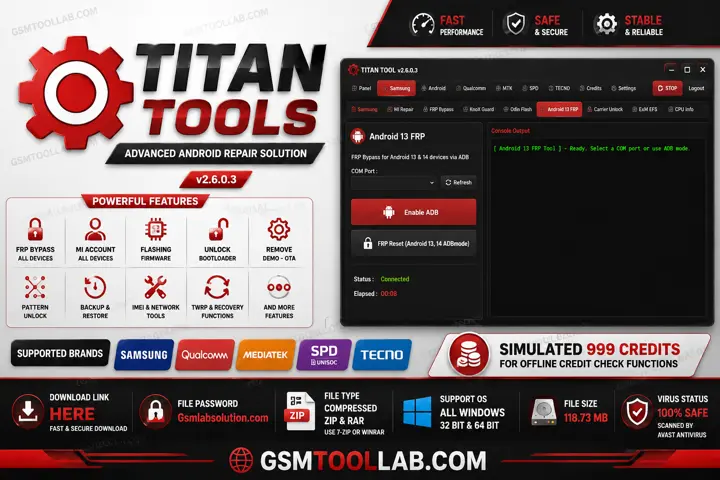
What is Titan Tool?
Titan tools is a software that works for Android repair, and it is installed on Windows and needs some drivers to connect with Android. This tool uses ADB (Android Debug Bridge) and fastboot to execute commands and perform operations to repair Android. The titan tool has the best feature, multi-brand support, and is user-friendly. This tool is designed to flash firmware and unlock devices.
Features Of Titan Tool 2026
Firmware Flashing
The user faces some issues like being stuck on the logo or having corrupt software that time, the only solution is to flash. This feature makes the device work properly like a new device. This installs or re-installs the firmware to flash corrupt files.
Device Unlocking
This feature helps to remove lock screen pin locks or forgotten passwords and patterns.
FRP Removal
The Titan tools offers factory reset protection bypass. You can operate the system after FRP, and this tool can remove all references to FRP.
Multi-Brand Support
So, You can use this tool not only for one device or brand. Titan tool supports multiple brands, like Samsung, Xiaomi, Oppo, and Tecno, etc.
ADB and Fastboot Support
There are modes in this tool ADB (Android Debug Bridge) and fastboot. Additionally, they offer a reliable protocol to communicate with the device to repair.
Device Information Reader
This feature provides information that is displayed before the operation. Also, When information get you can easily bypass the system.
Fast Processing Engine
This tool is fully optimised to enhance the performance level for repairing Android smartphones. Therefore, Titan’s tool uses fewer resources, which is why it’s very quick and easy for users.
Simple navigation
This tool is user-friendly due to its simple dashboard, and users can operate it in just a few clicks.
How To Install Titan Tool v7.0.0?
- Download the Titan Tool v7.0 setup file from a trusted source, the official website.
- Extract the ZIP or RAR file using WinRAR or 7-Zip.
- Open the extracted folder and find the setup file.
- Install the required USB and ADB drivers.
- Run the setup file and follow the on-screen instructions.
- After installation, launch the tool as an administrator.
- Enable USB Debugging on your Android device from Developer Options.
- also, Connect the device to your PC using a USB cable and start using the tool.
After completing these steps, Titan Tool v7.0 will be ready to use.
Download Information
- Download Link: HERE
- File Version: v7.0.0
- File Size: 120.32 MB
- File Password: gsmtoollab.com
File Details
- File Type: ZIP / RAR Compressed File
- Extraction Tool: Use WinRAR or 7-Zip to extract files
- Supported OS: Windows 7 / 8 / 10 / 11 (32-Bit & 64-Bit)
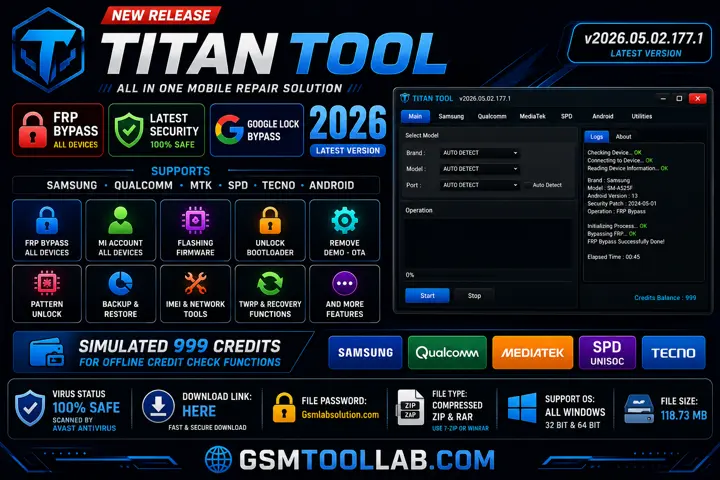
Final Verdict:
The titan tool is serving solutions such as FRP removal, IMEI repair, system erase, and flash firmware. It supports multiple brands like Xiaomi, Redmi, Samsung, and Tecno. This tool supports Qualcomm and MediaTek chipsets to connect with the tool and the device. In addition, If you are a beginner or an experienced person, you can download this tool from our website and use it in just a few clicks.
FAQ’s
What is a Titan Tool used for?
Titan launch vehicles were used in 368 missions, including Project Gemini crewed flights and many military, scientific, and space exploration missions.
What is the function of Titan Tool?
Titan Tool is the only other place in the solar system known to have a liquid cycle similar to Earth’s water cycle, with rain, rivers, lakes, and evaporation. So, Scientists also believe Titan may have a subsurface ocean of water.
How does a Titan work?
According to Rod Reiss, Titan powers are stored in a human’s spinal fluid, so a Titan only needs to ingest the fluid to gain the power.
How does Titan automatic work?
In Titan, automatic watches are powered by the natural movement of the wearer’s wrist. Also, inside the watch, a small rotor spins and winds the mainspring.