Fastboot Flash Tool V1.0.1.2 is built for Android to communicate with the bootloader directly and solve many issues like firmware flash, firmware images, foreign unpack, and many more. The fastboot flash tool offers bootloader unlock, partitions based on OSs, A/B system layout, and flashing to tend to give errors. You can fix the vendor, data, recover the system, and official firmware.
Also Check: Prime Tool
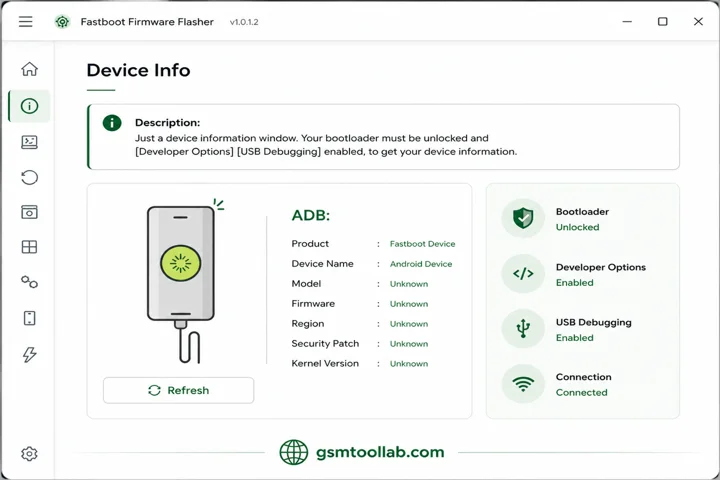
What is the Fastboot flash tool?
The Fastboot Flash Tool is window based software to operate mobile phones for firmware flash. It makes official fastboot protocols for repairing Android smartphones. This tool can install custom ROMs, modify, and manage the system.
Key Features Of Fastboot Flash Tool 2026
Bootloader-Level Flashing
In this tool, the fastboot mode will direct flash all firmware files from Android smartphones. This mode is very beneficial for every kind of user, whether they are new or expert.
Multi-Brand Support
It not only works for the single brand but also works for all brands that support fastboot protocol.
Partition-Specific Flashing
The partition feature allows you to choose which you want to flash: boot, recovery, system, vendor, and user data.
Stock Firmware Restoration
If your device gets stuck or updating fails, this tool can restore the system for you at every stage.
Boot Loop/Soft Brick Repair
You can deal with boot loop issues and soft brick repair for multiple brands like Xiaomi, Redmi, Oppo, Huawei, and others.
Lightweight & Fast
It has minimal resource usage, which is why this tool is lightweight and fast. You can solve your problem in a quick way.
Clean & Simple Interface
The tool has simple navigation in the dashboard and is easy to operate for every user, whether you are a new or experienced technician.
No Box or Dongle Required
The fastboot flash tool is running on a computer to connect with the mobile, its not need any hardware equipment.
Developer-Friendly Tool
This feature is used for testing images, restoring or other system files for iOS users to boot the system.
High Stability & Accuracy
No one tool gives you a guarantee for this work, but the fastboot flash tool gives you a guarantee for a safe repair option for any device.
How To Download Fastboot Flash Tool V1.0.1.2?
- Download the Fastboot Flash Tool on your PC from the official website.
- Extract the ZIP or RAR file using WinRAR or 7-Zip.
- Disable antivirus temporarily if required.
- Install Android USB drivers on your computer.
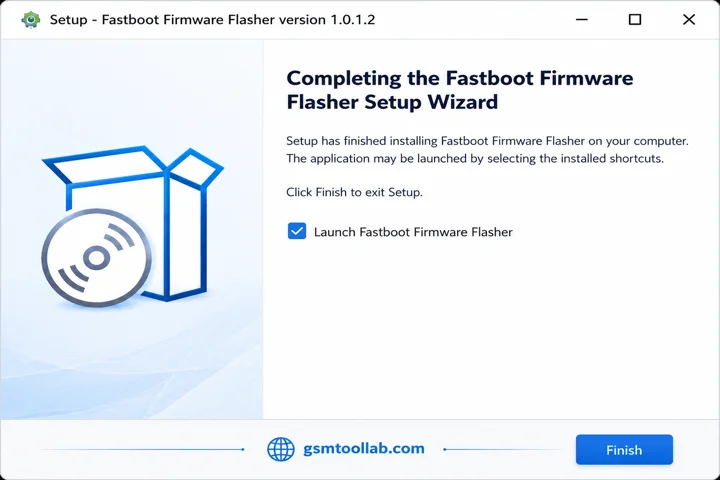
- Open the extracted folder and run the tool as Administrator.
- Boot your device into Fastboot Mode and connect it via USB.
- Load the firmware or partition files and start the flashing process.
Download Information
- File Version: V2.4.1
- File Size: 25.3 MB
- 🗝File Password: GSMLabSolution.com
- Download Link👇
Final Verdict
The Fastboot flash tool is window based software to repair Android smartphones and get rid of firmware. It offers boot, recovery, vendor, and data for every user. When the user is stuck on or an update fails, you can restore the system. Whether you are a new user or an experienced technician, you can use it easily. You can download the fastboot flash tool from our website and flash your mobile in just a few clicks.
Frequently Asked Questions (FAQs)
What Is The Fastboot Flash Tool (dev) Used For?
This tool is designed to flash firmware, remove FRP (Google Lock), and fix software issues on Android devices using Fastboot and EDL modes.
Does This Tool Support Scatter And Bat Files?
Yes, the tool is highly flexible and supports loading scatter files for MediaTek devices and BAT files for automated flashing operations.
Can I Choose Which Part Of The Software To Flash?
Yes, the Partitions option lets users flash specific partitions like Boot or Recovery instead of installing the complete firmware, saving both time and storage.
How do I exit fastboot mode?
To exit Fastboot Mode, press and hold the Power button for 15–20 seconds until the device restarts. If that doesn’t work, hold the Power + Volume Up or Power + Volume Down buttons together until the screen turns off.